
- Effortless Switching: Seamlessly toggle between two computers with a single button press.
- Peace of Mind: Reliable performance delivers smooth transitions, ensuring no interruptions.
- Easy Setup: Plug-and-play design simplifies your workspace in seconds.
- Gift-Worthy: Sophisticated black finish adds a premium touch to any tech setup.
- 11:7:45
-
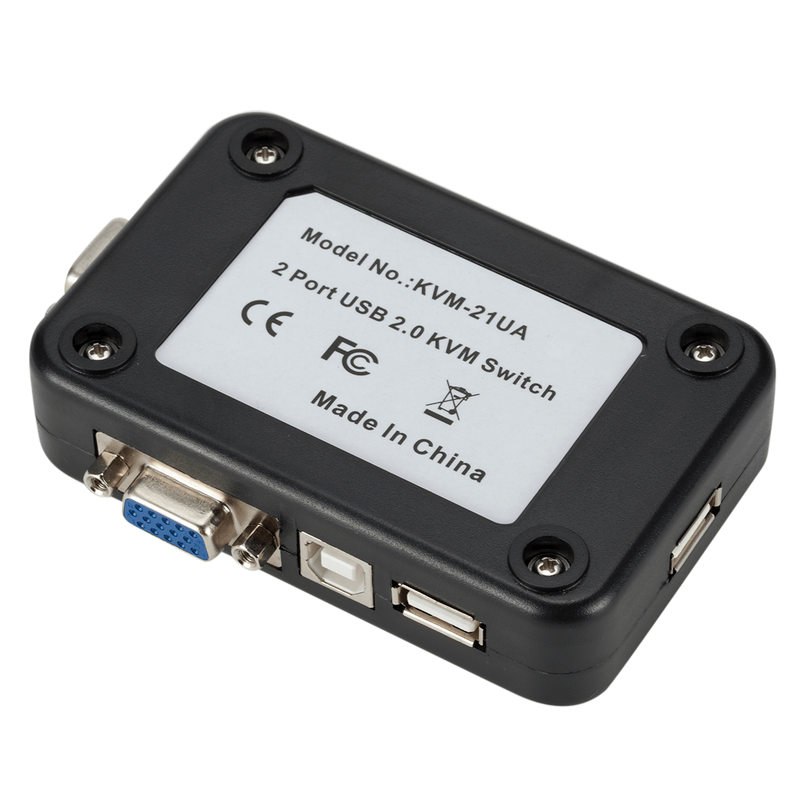
KVM Switch USB 2 Ports Manual VGA Switch for Dual Host Display Sharing
Rs. 2207
Rs.3750
+ Free Delivery
Only
Bought by 138 people! HOT SELLER!
View our Complete range of Other accessories
Key Features
Watch Product Videos

KVM Switch USB 2 Ports Manual VGA Switch for Dual Host Display Sharing Details
| Product Name | Price |
| KVM Switch USB 2 Ports Manual VGA Switch for Dual Host Display Sharing Price in Pakistan (updated) | 2207 |
Monitor Connections:2 ports
Interface Type:VGA
Resolution:1920 x 1080
Model Number:320520
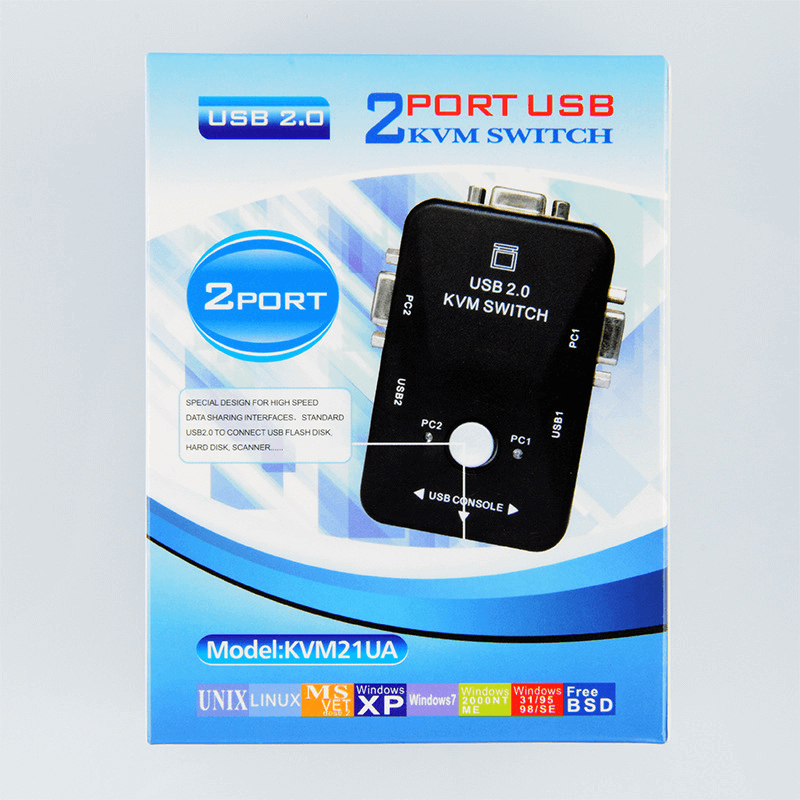
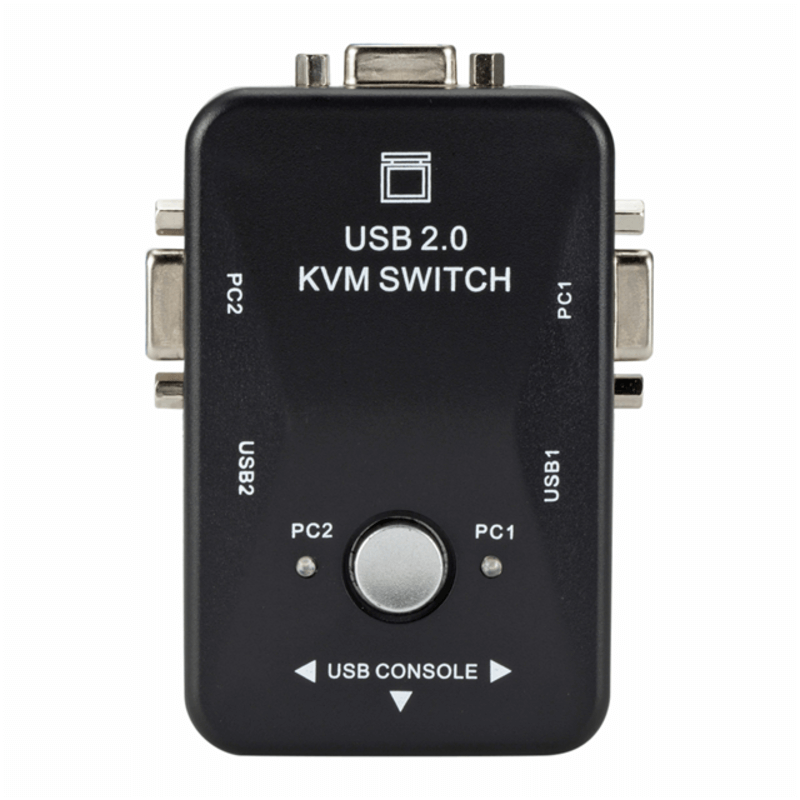
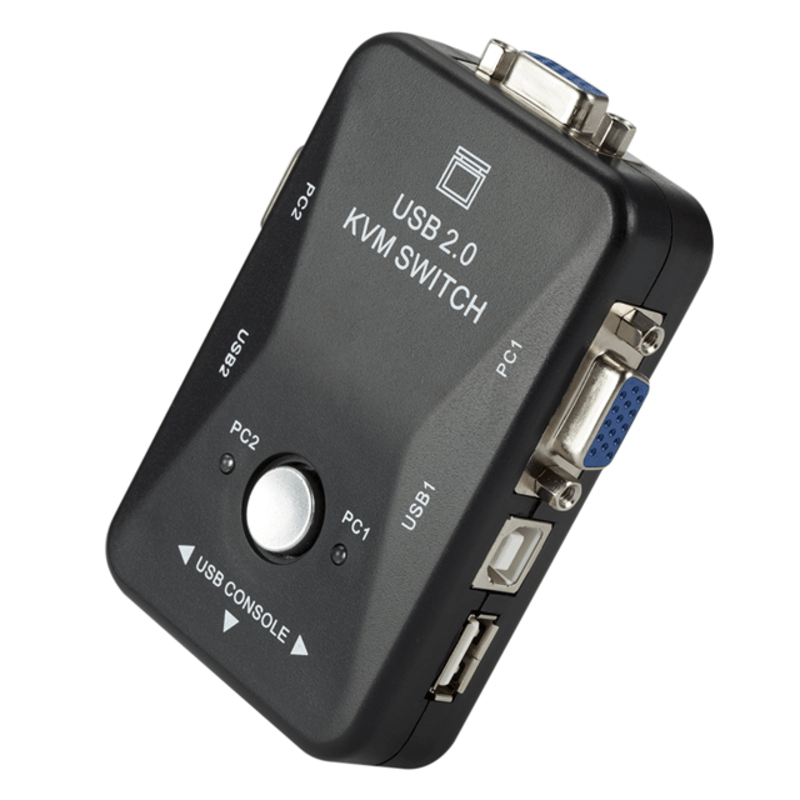
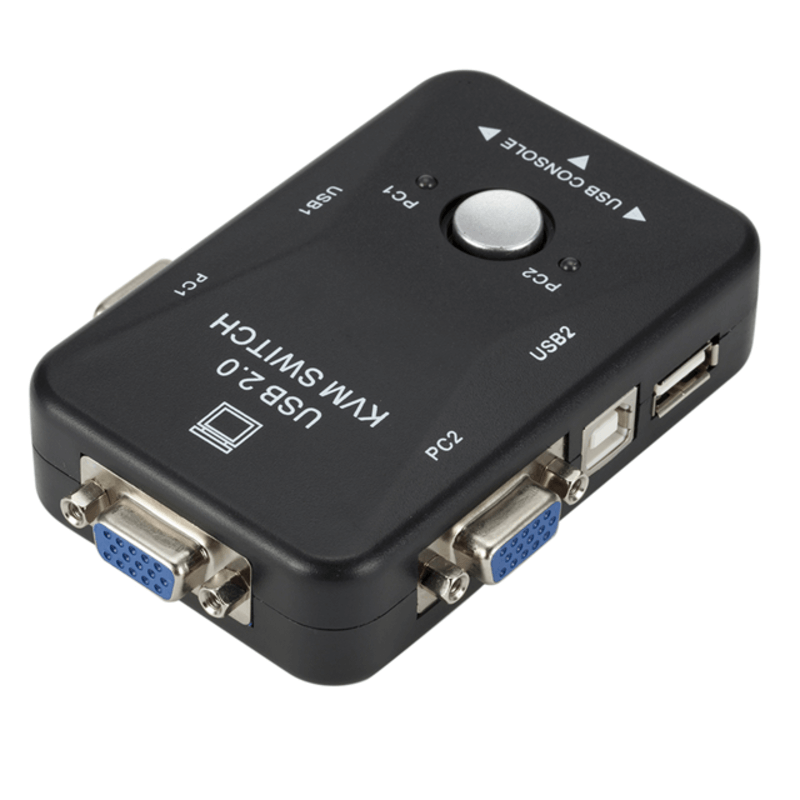
VGA manual switch with two USB interface, two hosts share a display device
Input Interface: 2 USB printer port + 2VGA video interface mother; 2 host switch to use a mouse and keyboard display device
Output Interface: 3-way USB port + VGA video interface
3Manual button switch
Color: Black
What's in the box:
1 x kvm switch
Target Audience
- Office Workers: Perfect for those needing to switch between two computers quickly.
- Gamers: Ideal for gamers who use multiple systems without changing cables.
- IT Professionals: Essential for troubleshooting and managing multiple devices.
- Home Users: Great for families sharing a single monitor for different devices.
Use Cases
Use the KVM switch to connect two computers to one monitor, making it easy to switch between them for work or play. Ideal for presentations, gaming, or multitasking without the clutter of extra screens.
Benefits
- Save Space: Combine two computers into one display, reducing clutter.
- Easy Switching: Quickly switch between devices with a manual button.
- High Resolution: Supports resolution up to 1920 x 1080 for clear visuals.
- Multiple Connections: Connect multiple USB devices for added convenience.
Faqs
- Q: How do I switch between computers?
A: Simply press the manual button to toggle between the connected devices. - Q: What is the maximum resolution supported?
A: This KVM switch supports up to 1920 x 1080 resolution. - Q: Is it easy to set up?
A: Yes, it's a plug-and-play device, making setup quick and hassle-free. - Q: Can I use this with a laptop?
A: Yes, as long as your laptop has the necessary USB and VGA ports.
Specification
Rating & reviews
4.8
Read what others have said about us:
The item arrived exactly as described and the packaging was secure and professional. The build quality feels premium and it works perfectly for my needs.
Hafeez ul Hassan - 2026-03-09 10:36:48 Verified Purchase